Visual programming
Drag-and-drop logic in Construct 3 means anyone can make things move, jump and score from the very first session.
Construct 3
Kids Game Dev runs hands-on workshops where young people design, build and code their own video games — using the same tools professional studios use. Most have something playable within minutes.


…and schools and groups including Tangaroa College, James Cook High School, Manurewa College, Ngāruawāhia High School, Ngā Rangatahi Toa and NGEN Whangārei.
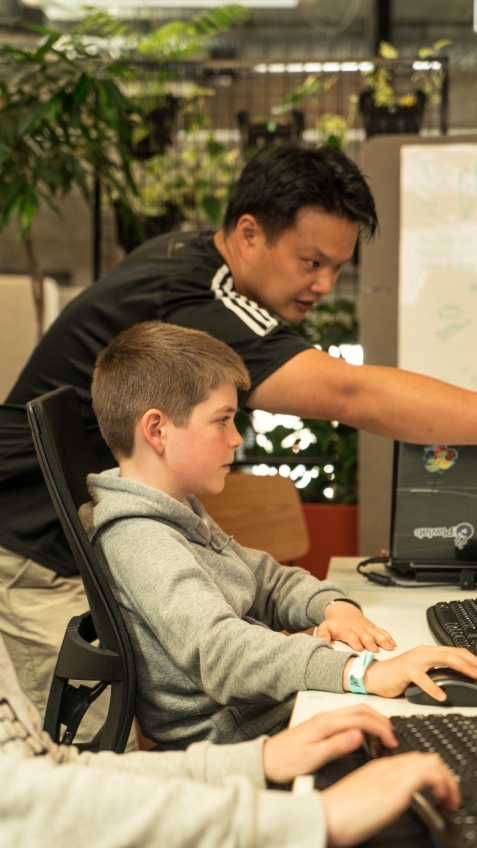
 Playable in minutes
Kids already love games — so we meet them there. Making a game means planning, drawing, coding, testing and fixing, which quietly builds the problem-solving and digital skills behind tomorrow’s careers.
Logic, sequences and debugging — learned by making things that actually work.
Characters, worlds and 3D models that start in their own imagination.
Design, playtest and get a peek at how games go from idea to market.
Our courses use industry-standard software that’s easy to start and hard to master — so beginners and budding pros are both challenged.
Drag-and-drop logic in Construct 3 means anyone can make things move, jump and score from the very first session.
Construct 3Step up to Unity — the engine behind thousands of commercial games — and build real, explorable 3D worlds.
UnityWrite C#, a language used across the games industry and in professional software everywhere.
C#Sculpt characters and props in Blender and Tinkercad, then rig and animate them to bring them to life.
Blender · TinkercadPlan like a studio: ideas, rules, levels and playtesting — the thinking that makes a game fun.
DesignLearn to use AI tools thoughtfully to brainstorm ideas, generate assets and speed up the making.
AI toolsEvery workshop follows the same loop real studios use, scaled to each learner.
Sketch an idea, invent characters and decide the rules of the game.
Lay out levels and worlds in a real game engine.
Add movement, enemies, scoring and all the bits that make it play.
Playtest, tweak and proudly share it with friends and whānau.
Whether you’re a teacher, a parent or a community leader, there’s a format that works for your young people.
Bring game development into the classroom with a one-off workshop or a series across the term.
Action-packed game-making days in the school holidays at partner venues like MOTAT.
Programmes for community organisations and regional groups — in person or live over video.
Concentration, collaboration and plenty of “look what I made!” moments.


A few highlights from schools and communities we’ve worked with.
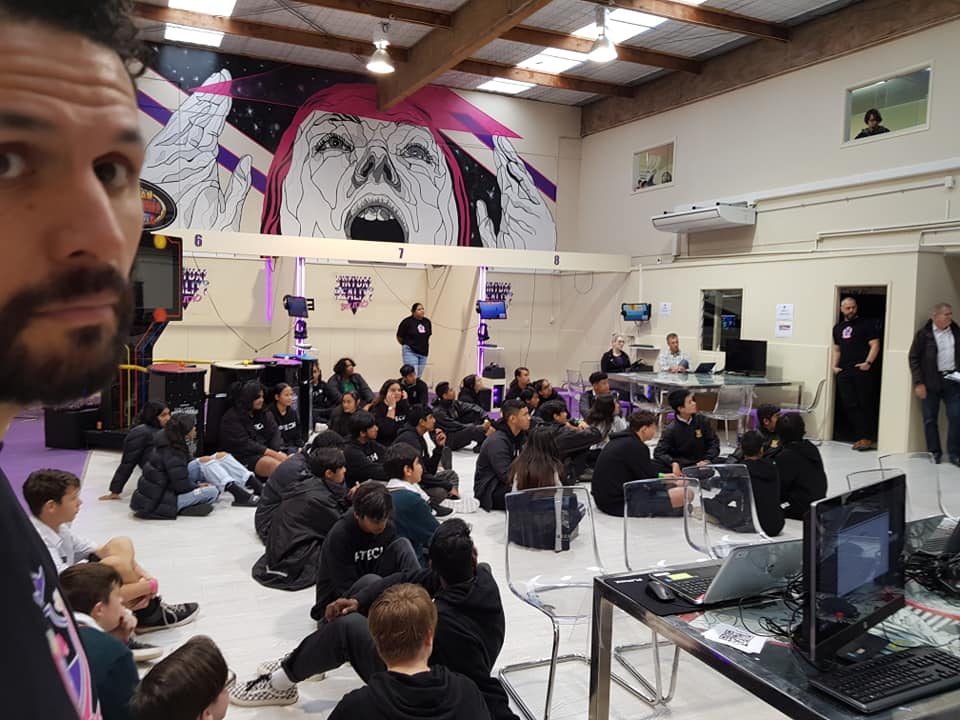
We teamed up with Playtech and VR Studio to run a massive games workshop for 70 students from Manurewa College. It was an amazing, high-energy day!
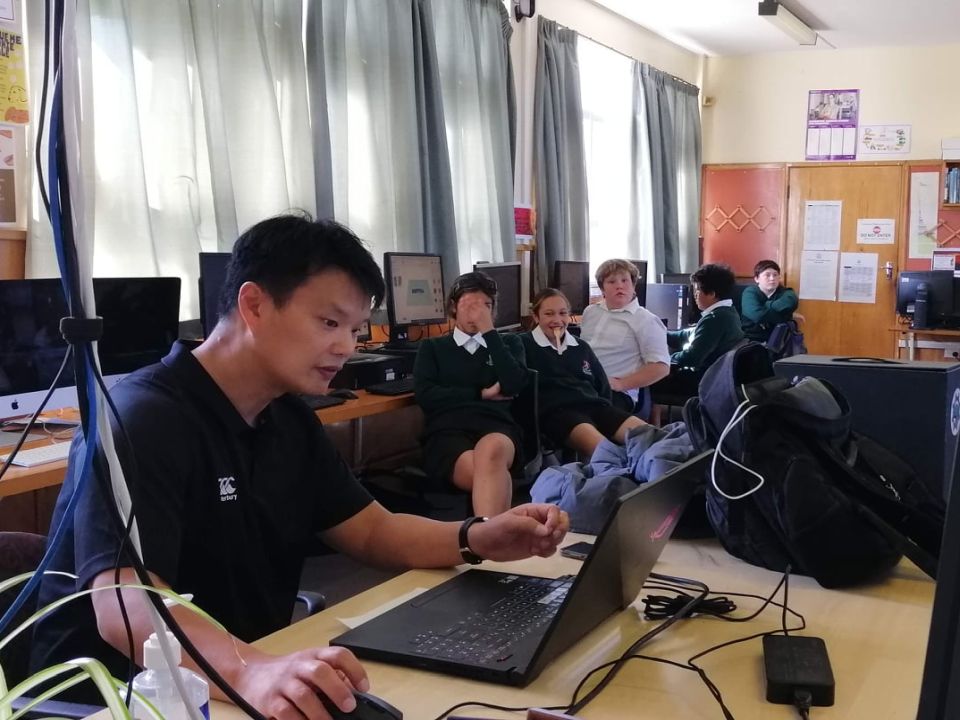
An excellent course on virtual reality game development, covering 3D modelling, level design and game programming.
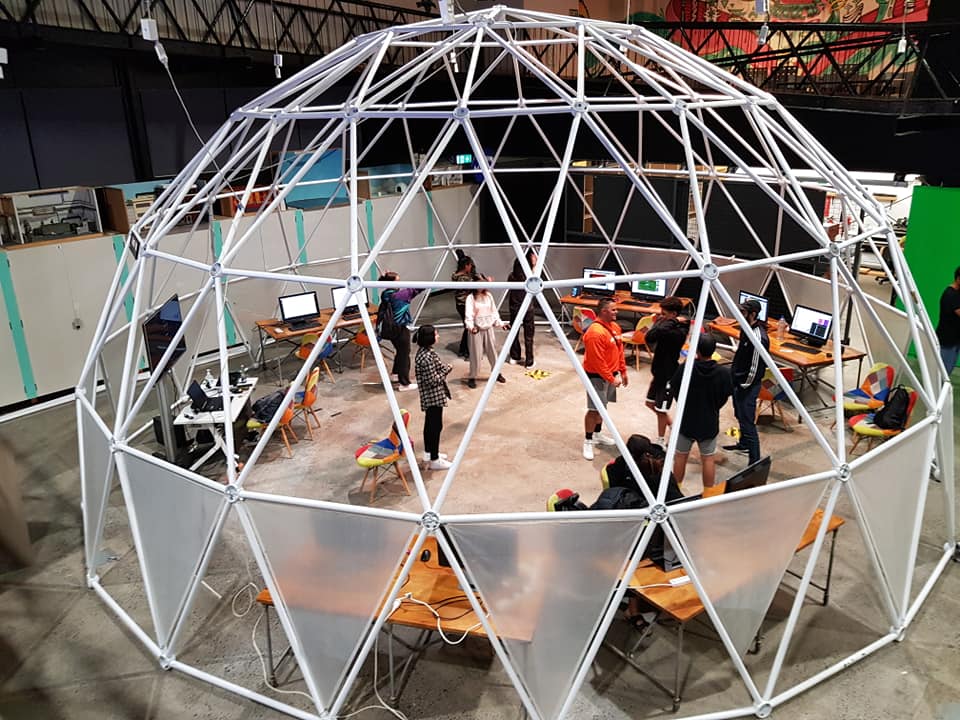
We had an awesome time teaching game dev to the rangatahi of Ngā Rangatahi Toa and showing them the fun of VR gaming. VR Studio kindly provided the Oculus headsets.
Industry experience, classroom patience — and a genuine love of games.
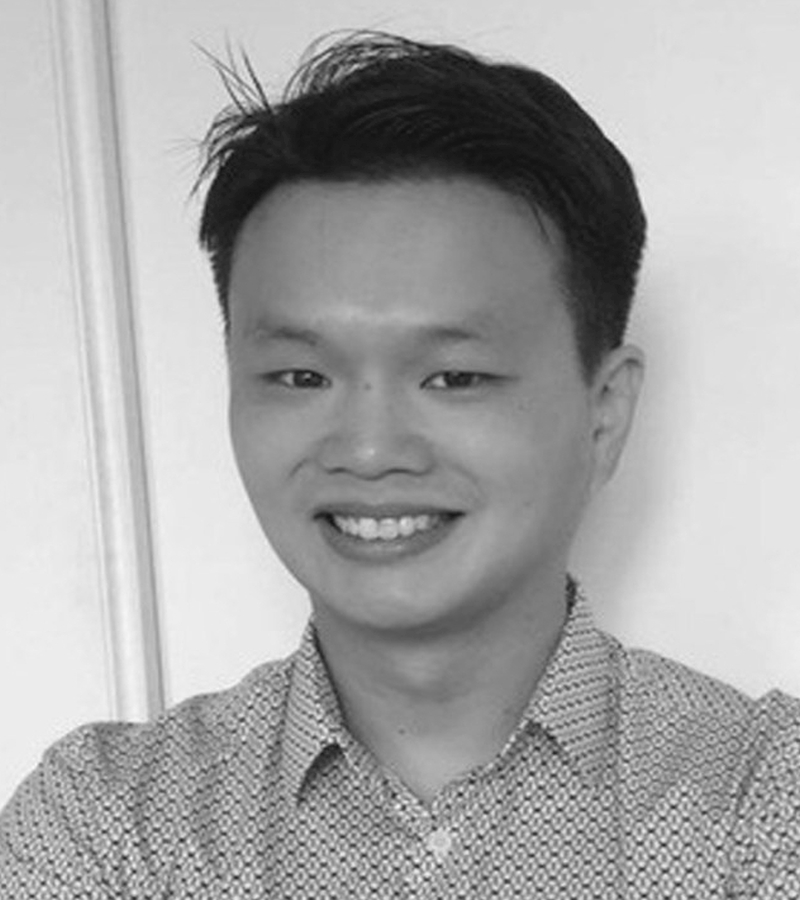
Joe started Kids Game Dev to share the thrill of making games. He’s a video games consultant with more than 15 years in IT, and a lifelong gamer.
LinkedIn →
Jeff is a seasoned software architect who advises KGD on technology and helps keep our teaching in step with industry.
LinkedIn →
Tyren works one-on-one with students during sessions, helping them get unstuck and keep building.
Can’t see your question? Send us a message and we’ll get right back to you.
Our workshops suit ages 8 and up. Younger makers start with visual coding in Construct, while older or more experienced students move on to Unity, C# and 3D modelling.
None at all. We start with visual programming so everyone has something playable fast, then build up from there. Experienced kids are stretched with more advanced tools.
Yes! Blender is completely free, and Unity and Construct both have free versions — so kids can keep creating long after the workshop ends.
Absolutely. We work with schools, community groups, trusts and venues — in person or live online. Get in touch and we’ll shape a session around your group.
Tell us a little about your school, group or child and we’ll come back with options, dates and pricing.